
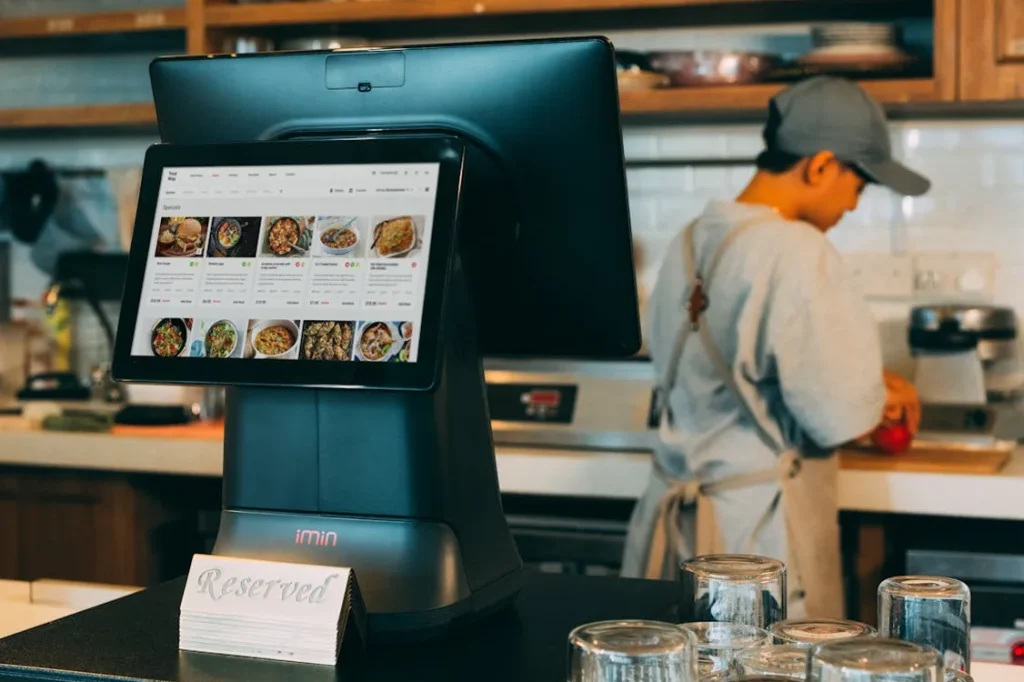
A reliable POS installation is critical for retail businesses with multiple locations. Your point-of-sale system processes transactions, manages inventory, and supports daily operations. Any downtime during peak hours leads to lost revenue and customer frustration.
This guide explains how to plan a stable, scalable, and efficient POS installation across multiple retail stores.
Why Reliable POS Installation Matters
A properly installed POS system:
Prevents transaction delays
Reduces downtime during peak hours
Protects payment data
Supports inventory synchronization
Improves customer experience
Multi-location retail environments require standardized infrastructure, stable network connectivity, and proper power management.
Step 1: Assess Each Location Individually
Each retail location has different:
Floor layout
Customer flow
Counter configuration
Network access points
Electrical capacity
Conduct a site assessment before installation. Identify:
POS counter positions
Power outlet availability
Network drop locations
Cable routing pathways
Avoid assumptions. Plan based on real site conditions.
Step 2: Prepare Network Infrastructure Properly
Your POS system depends on stable network connectivity.
Use Structured Cabling
Install Cat6 or Cat6A cabling for consistent performance. Avoid temporary or exposed cables.
Separate POS Traffic
Segment POS traffic using VLANs when possible. This improves security and network stability.
Ensure Redundant Internet (If Required)
For high-volume stores, use a backup internet connection. This prevents transaction failure during outages.
Step 3: Plan Power Distribution Carefully
Power issues cause unexpected POS shutdowns.
Key Requirements:
Dedicated power outlets for POS terminals
Surge protection
UPS backup for critical terminals
Clean cable management
UPS systems keep transactions running during short power interruptions.
Step 4: Standardize Hardware Across Locations
Multi-location retail stores benefit from hardware standardization.
Standardize:
POS terminals
Receipt printers
Barcode scanners
Payment terminals
Cash drawers
Standardization reduces maintenance complexity and simplifies staff training.
Step 5: Focus on Cable Management and Physical Installation
Clean installation improves reliability and safety.
Best practices:
Secure device mounting
Hidden cable routing
Proper labeling
Organized rack installation (if applicable)
Clear device spacing for airflow
Messy cabling leads to accidental disconnections and service calls.
Step 6: Test Before Go-Live
Never activate a POS system without full testing.
Test:
Transaction processing
Payment gateway connectivity
Printer functionality
Scanner accuracy
Network failover
Power backup systems
Simulate peak-hour conditions when possible.
Step 7: Plan for Peak Hour Stability
Retail stores experience transaction spikes during:
Weekends
Holidays
Promotional events
Seasonal sales
Ensure:
Network bandwidth capacity
Sufficient terminal count
Stable Wi-Fi coverage (if wireless devices are used)
Load-tested payment processing
Peak-hour failure damages brand trust.
Step 8: Documentation and Labeling
Documentation supports long-term reliability.
Include:
Network diagrams
Cable labels
Device inventory list
IP address documentation
Rack layout diagrams
Clear documentation reduces downtime during future maintenance.
Common POS Installation Mistakes to Avoid
Using residential-grade network equipment
Sharing POS and guest Wi-Fi traffic
Ignoring surge protection
Skipping structured cabling
Poor cable organization
No redundancy planning
Avoid shortcuts. Retail uptime depends on infrastructure quality.
Benefits of Professional POS Installation
Professional installation ensures:
Clean deployment
Network stability
Secure payment processing
Scalable infrastructure
Faster troubleshooting
Multi-location retail systems require coordination, planning, and technical expertise.
Final Thoughts
A reliable POS installation is not just hardware setup. It is a structured infrastructure project that supports daily revenue operations.
Retail businesses with multiple locations must focus on:
Network stability
Power reliability
Standardized hardware
Clean physical installation
Proper testing and documentation
When planned correctly, your POS system operates consistently, even during peak hours.
Need Professional POS Installation?
Elmore Integrated Systems provides structured POS installation and integration for commercial retail environments.
Contact our team to plan a stable, scalable POS deployment for your retail locations.