
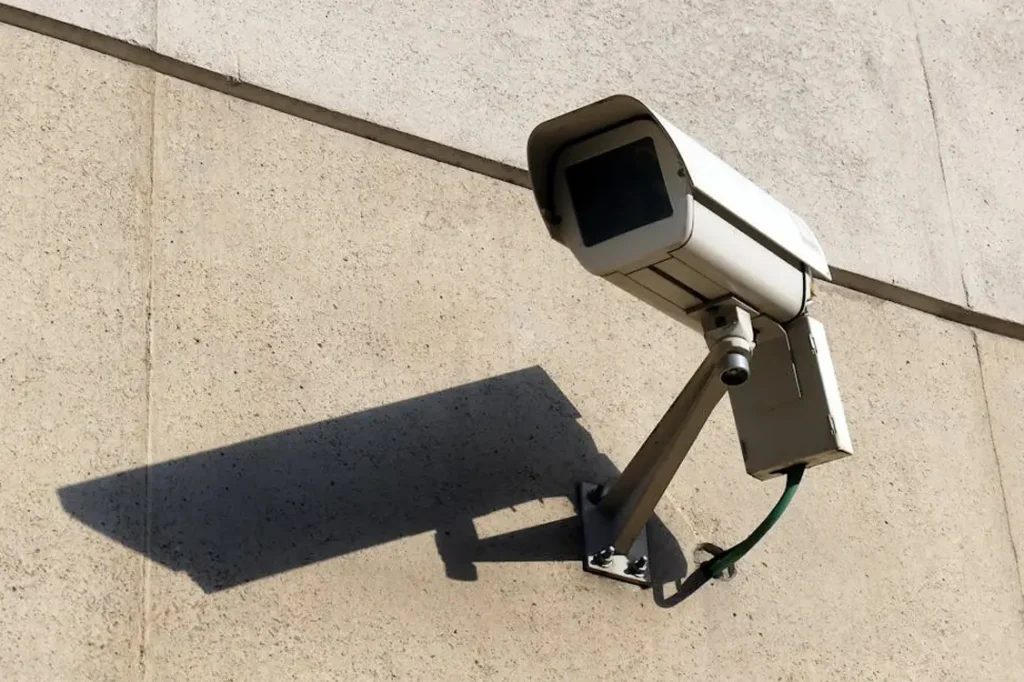
Commercial security systems protect people, assets, and operations. A properly installed CCTV and access control system reduces risk, improves monitoring, and supports daily management.
This guide explains the most important considerations when planning and installing commercial CCTV and access control systems.
Why Proper Security System Installation Matters
A commercial security system must:
Provide full coverage of critical areas
Record clear and usable footage
Control and track building access
Integrate with network infrastructure
Operate reliably without interruption
Poor planning leads to blind spots, system downtime, and security gaps.
Part 1: CCTV Installation Considerations
1. Identify Critical Coverage Areas
Start with a site assessment.
Focus on:
Main entrances and exits
Loading docks
Cash handling areas
Warehouse zones
Parking areas
Restricted rooms
Each camera must serve a defined purpose. Avoid random placement.
2. Eliminate Blind Spots
Blind spots reduce security effectiveness.
To prevent this:
Map camera angles before installation
Use overlapping coverage in high-risk zones
Adjust height and tilt carefully
Test visibility during day and night
Verify real-world visibility, not just theoretical coverage.
3. Choose the Right Camera Type
Different environments require different cameras.
Common options:
Dome cameras for indoor commercial spaces
Bullet cameras for outdoor monitoring
PTZ cameras for large open areas
Vandal-resistant cameras for public areas
Match camera type to environment and security goal.
4. Ensure Proper Lighting Conditions
Low light reduces footage clarity.
Consider:
Infrared capability
Supplemental lighting
Avoiding direct glare
Managing shadows
Test cameras during different lighting conditions.
5. Plan Network & Storage Capacity
CCTV systems rely on network stability and storage planning.
Important factors:
Bandwidth requirements
Dedicated VLAN for security traffic
NVR capacity planning
Retention period requirements
Redundant storage if needed
Overloading the network causes recording gaps.
Part 2: Access Control Installation Considerations
6. Define Access Levels Clearly
Access control is not just door unlocking.
Define:
Employee access zones
Management-level access
Time-based permissions
Temporary contractor access
Clear role-based access reduces risk.
7. Secure Entry Points Properly
Critical doors must include:
Commercial-grade electric strikes or magnetic locks
Door position sensors
Request-to-exit devices
Emergency release compliance
Improper hardware causes long-term reliability issues.
8. Integrate with Existing Systems
Modern access control often integrates with:
CCTV systems
Alarm systems
Building management systems
Visitor management systems
Integration improves monitoring and incident response.
9. Plan for Scalability
Commercial facilities grow.
Your system should allow:
Adding new doors
Adding new cameras
Expanding storage
Remote management capability
Avoid systems that limit future expansion.
Network & Infrastructure Considerations
10. Use Structured Cabling
Install Cat6 or higher cabling for stable communication.
Avoid:
Temporary cable runs
Mixed-grade cables
Unlabeled connections
Proper labeling supports maintenance.
11. Separate Security Traffic
Security systems should not share bandwidth with guest WiFi or public traffic.
Use:
Network segmentation
Dedicated switches (when required)
Secure firewall configuration
This improves both security and performance.
Compliance & Documentation
12. Follow Local Regulations
Commercial security systems must comply with:
Privacy regulations
Data retention policies
Emergency exit requirements
Industry-specific compliance standards
Improper installation may create legal risk.
13. Provide Documentation & Handover
Professional installation includes:
Camera layout maps
Access level documentation
Network diagrams
Device inventory
Admin credentials handover
Clear documentation reduces downtime during maintenance.
Common Installation Mistakes to Avoid
Installing cameras too high or too low
Ignoring network bandwidth limits
No backup power planning
Poor cable management
No testing before commissioning
Lack of access level control structure
Security systems must be planned, not improvised.
Benefits of Professional Commercial Security Installation
Professional installation ensures:
Clean system deployment
Stable network integration
Clear footage quality
Secure access management
Reliable long-term performance
Commercial environments require structured execution and technical accuracy.
Final Thoughts
Installing commercial CCTV and access control systems requires planning, infrastructure knowledge, and proper integration.
Focus on:
Strategic camera placement
Defined access levels
Network stability
Clean installation
System testing and documentation
When installed correctly, security systems protect your facility and support daily operations without disruption.
Need Professional Security System Installation?
Elmore Integrated Systems delivers structured CCTV and access control installation for commercial and industrial environments.
Contact our team to plan a secure, scalable, and professionally integrated security system for your facility.